How it works
Pick the clip
Select the video or photo on the timeline.
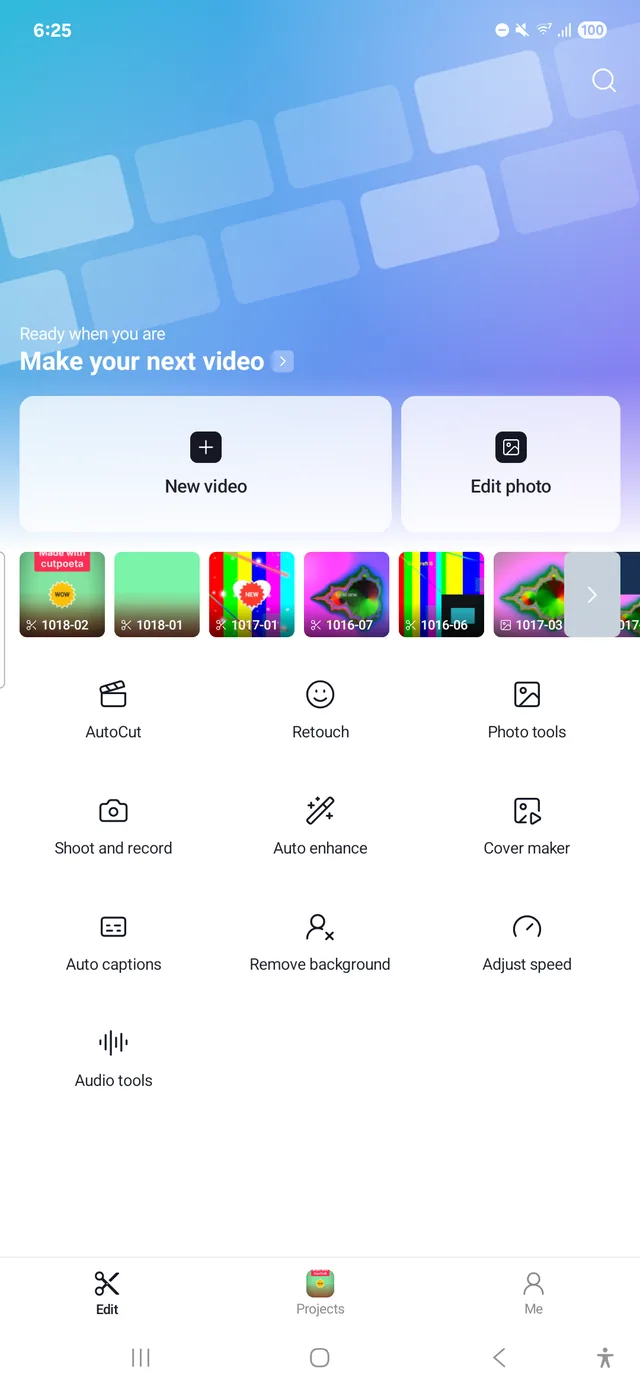
Tap “Remove background”
The model downloads the first time. After that it works offline.
Combine and export
Place the result over another background, add effects and export up to 4K.
What’s included
- No green screen needed
- Works on videos and photos
- Processed on your phone, nothing uploaded
- Chroma key for green or blue screens
- Masks and keyframes to refine the cut-out
- Export with no watermark
Start editing for free
No subscription, no watermark, no account.
Download APKAndroid 10 or later