Everything you expect from a pro video editor
Every tool runs on your phone. Nothing is uploaded to the cloud.
Full editing
Trim, split, speed curves, freeze frames, crop and keyframe animation.
Filters & adjust
80+ filters, curves, HSL and colour wheels, previewed on your clip.
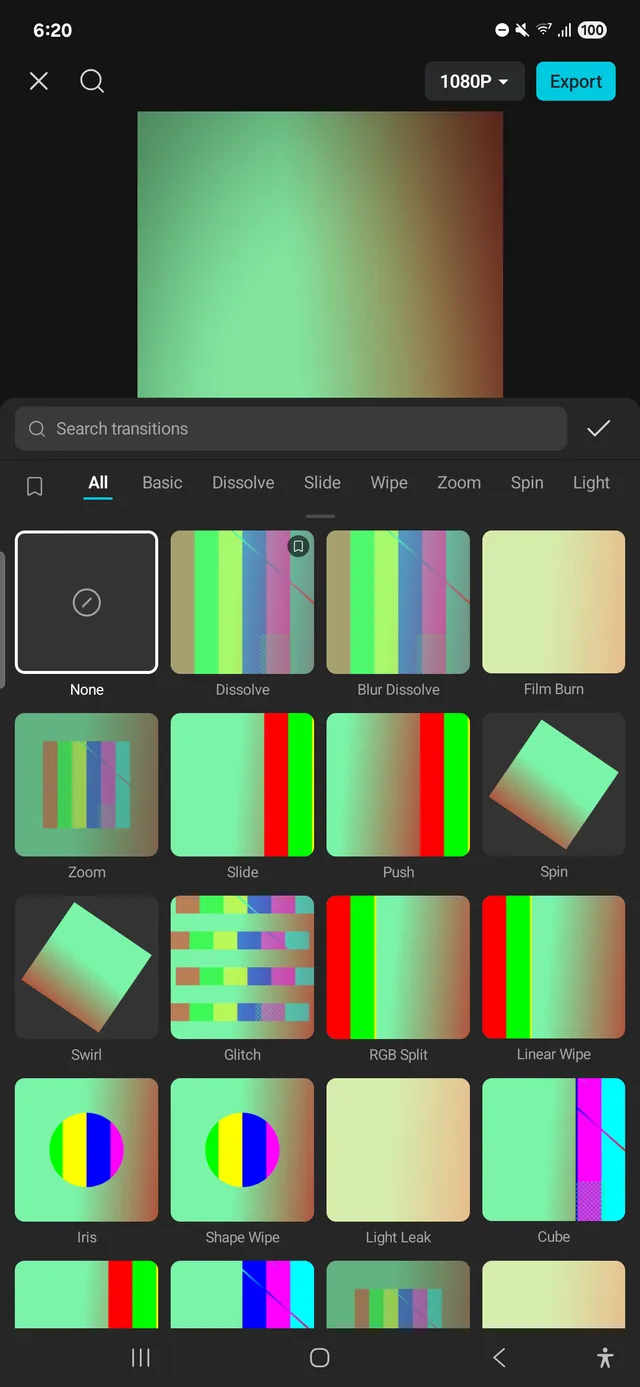
Effects & transitions
Glitch, VHS, old film, zoom, wipes and more, animated with your clips.
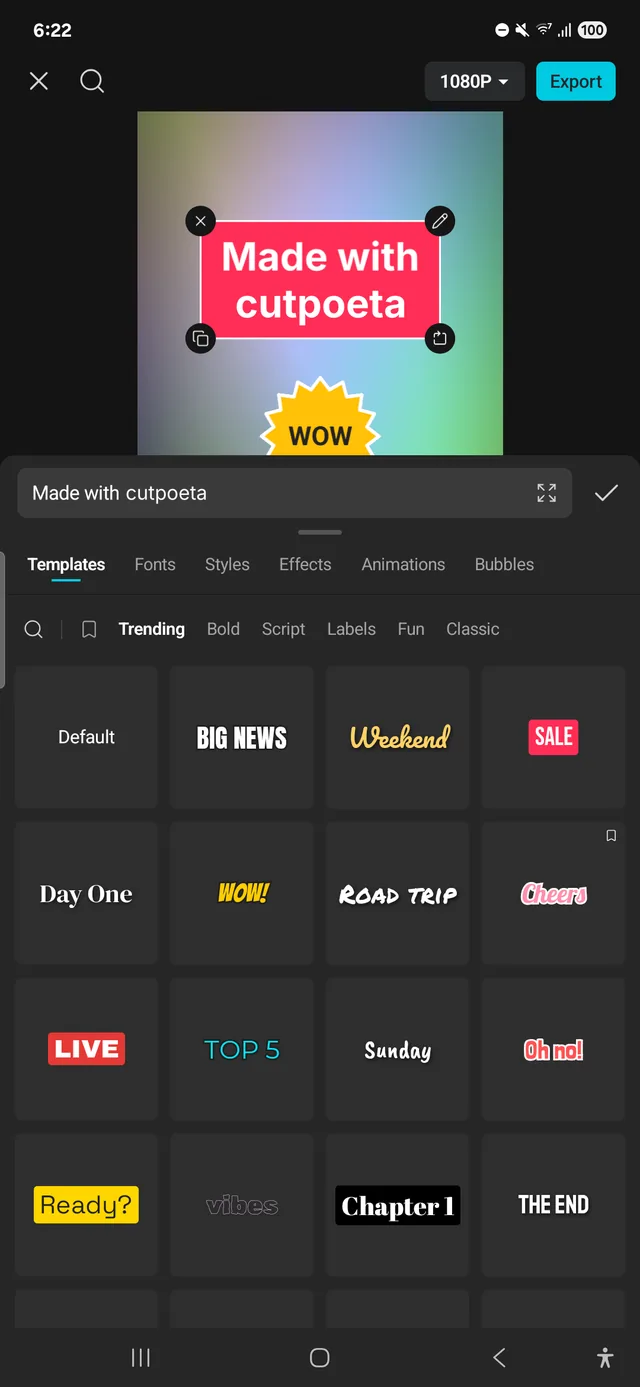
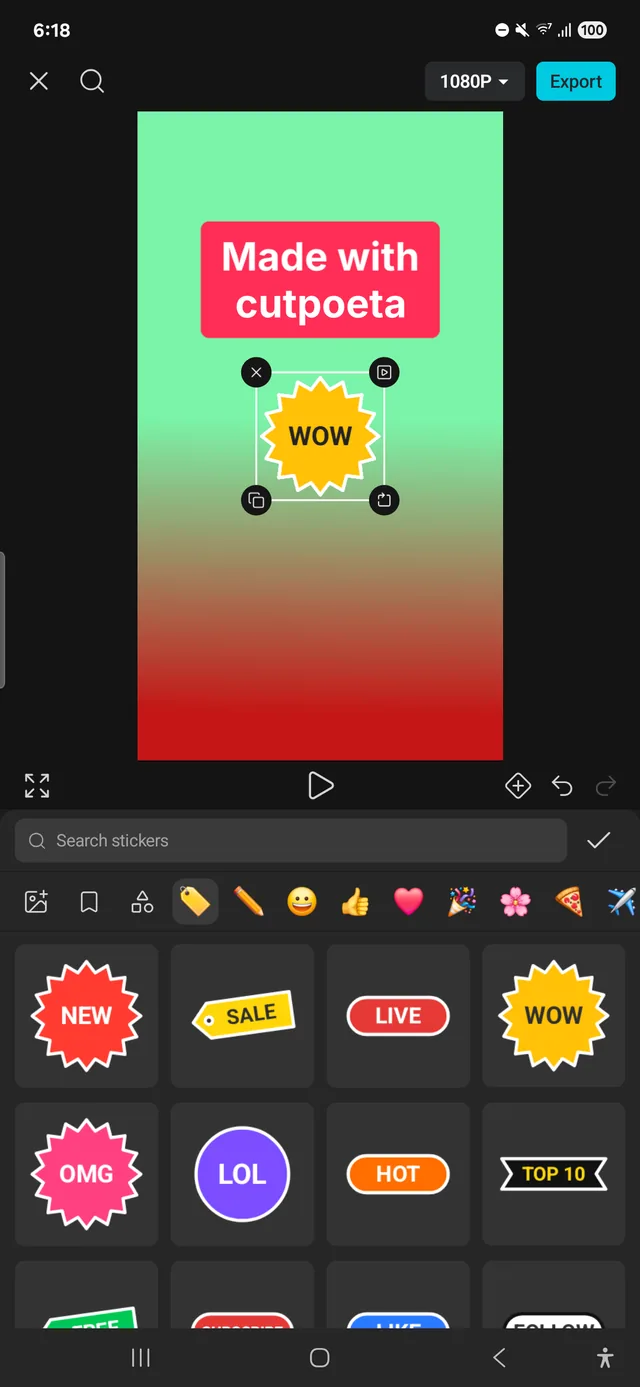
Text
Templates, fonts, word art, bubbles, animations and text to speech.
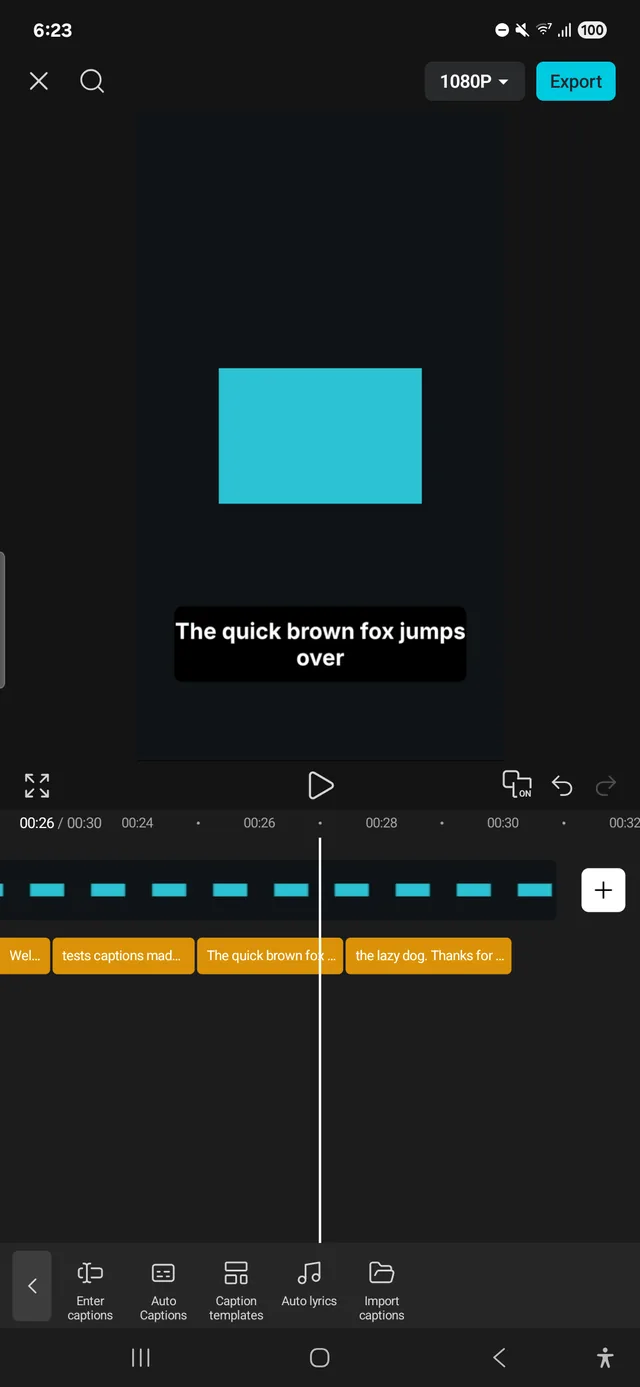
Auto captions
Made on the phone from what is said. Or import your own subtitles.
Sound
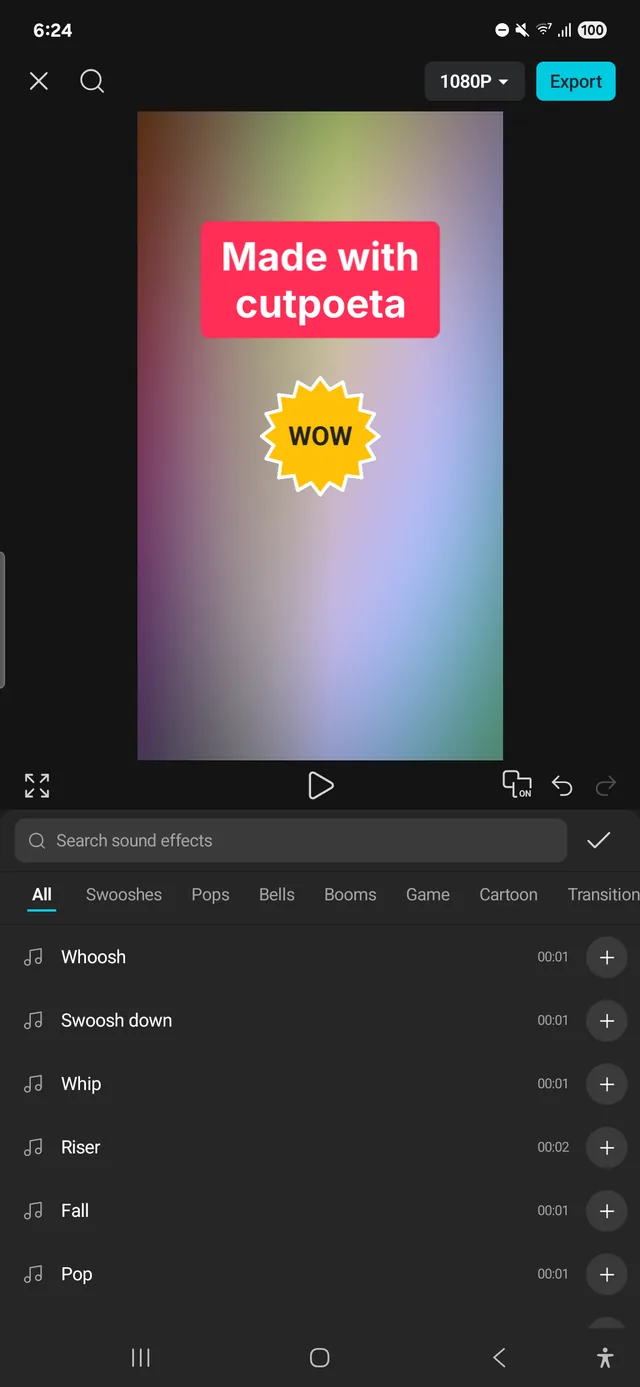
Sound effects, voiceover, voice effects, noise reduction and isolate voice.
Remove background
A model downloaded once, run on your phone.
Export in 4K
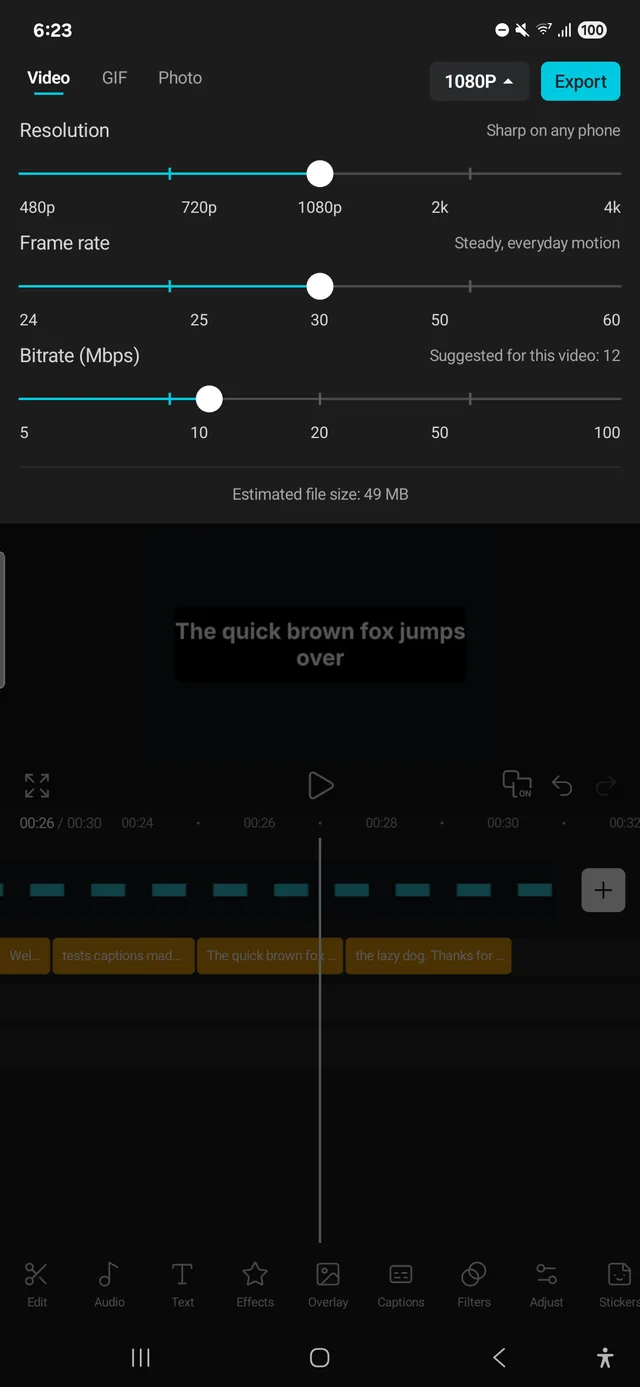
480p to 4K, 24 to 60 fps, or as a GIF or photo. No watermark.
Take a look
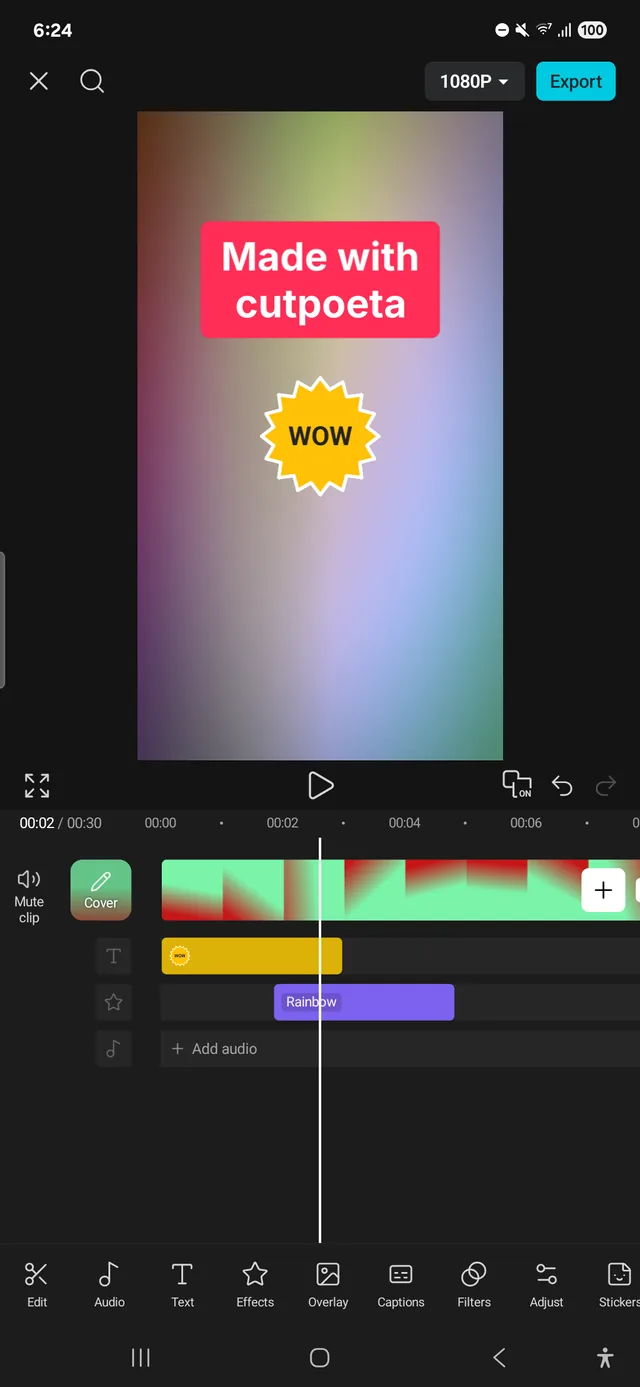
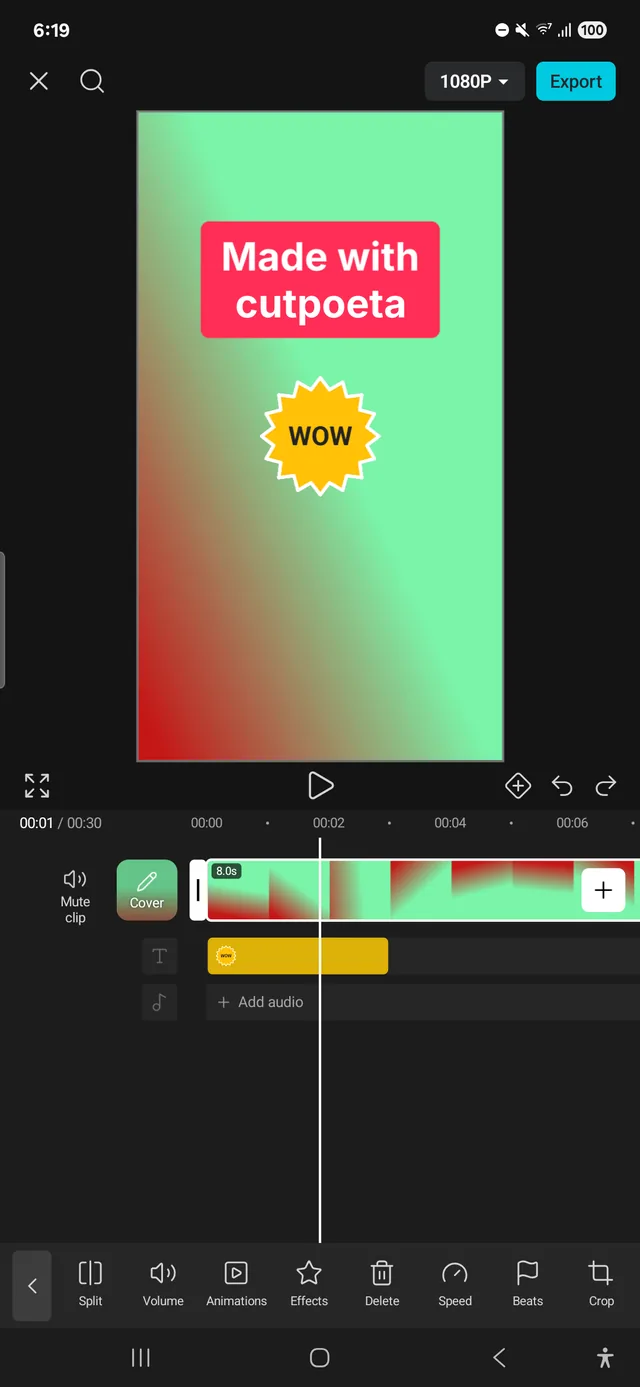
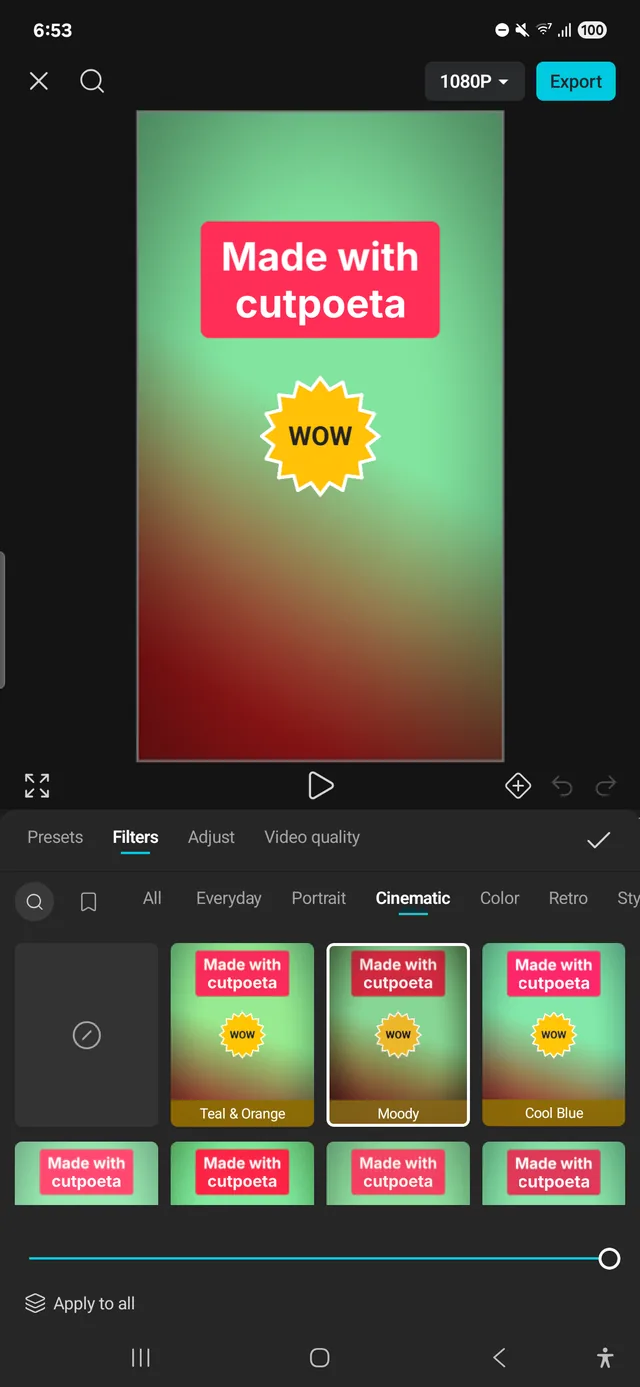
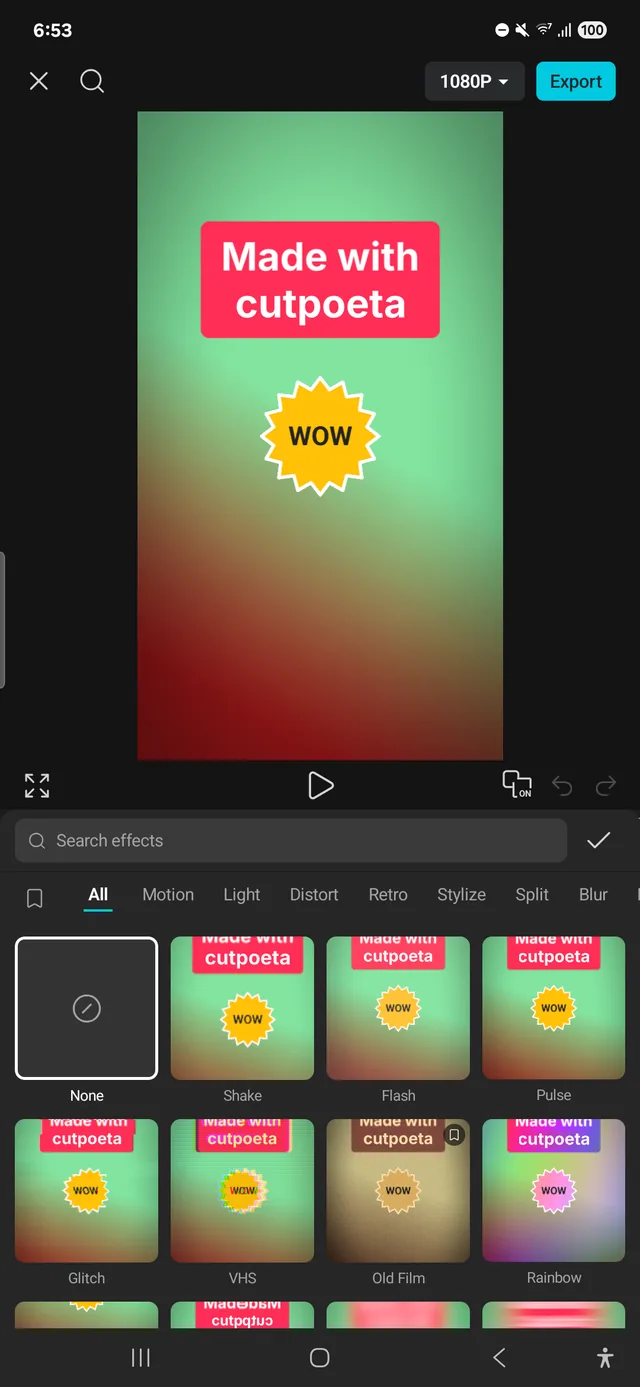
CapCut Pro features, free
Compared with CapCut’s paid subscription.
See the full comparison →CapCut is a trademark of ByteDance. cutpoeta is not affiliated with or endorsed by ByteDance or CapCut.
| cutpoeta | CapCut Pro | |
|---|---|---|
| Price | Free | $19.99/monthor $179.99/year |
| 4K export at 60 fps | ||
| No watermark | ||
| Auto captions | ||
| Remove background | ||
| Keyframes, masks & chroma key | ||
| Noise reduction & isolate voice | ||
| Text to speech | ||
| Works offline | ||
| Open source |
Install the APK in 4 steps
Android 10+ · ARM64Download the APK
Tap “Download APK” on your Android phone.
Allow the install
If Android asks, allow installs from your browser.
Open the file
Tap the downloaded APK, then “Install”.
Start editing
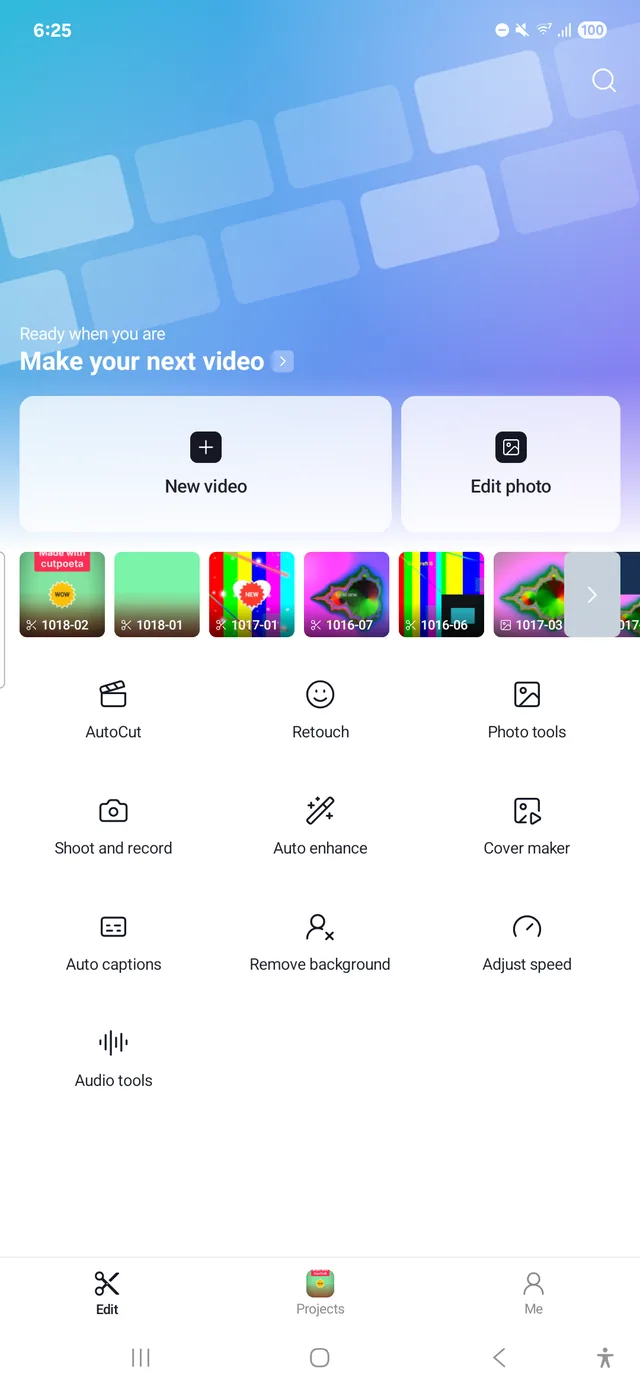
Open cutpoeta and pick a video or photo.
Frequently asked questions
See all questions →Is cutpoeta really free?
Yes. Every feature is free: there is no subscription, videos export without a watermark and you don’t need an account.
Is it safe to install the APK?
Only download cutpoeta from the official download page. Each release lists its SHA-256 fingerprint there so you can check the file is the original. The code is also open source (AGPL-3.0), so anyone can review it.
How do I install an APK on Android?
Download the file on your phone, allow installs from your browser if Android asks, open the APK and tap “Install”. The full steps are on the download page.
Which phones are supported?
Phones running Android 10 or later with an ARM64 processor, which covers most phones from the last few years.
Do videos have a watermark?
No. cutpoeta never adds a watermark, including on 4K exports. More in video editor with no watermark.
More platforms on the way
Android is available now. iOS, macOS and a web editor are next.